△
Your company.CLIENT PROJECT PORTALEmail address••••••••••Sign in →01
A client portal with your branding.
Your background, logo and colours — on your own domain. Make the first login feel like your company.
For drone survey & photogrammetry companies
Publish drone-generated 3D models through your own branded client portal. Let clients measure, draw and collaborate in their browser — then take vector drawings into CAD as DXF.
✓ Your logo & domain. ✓ No viewer installation.
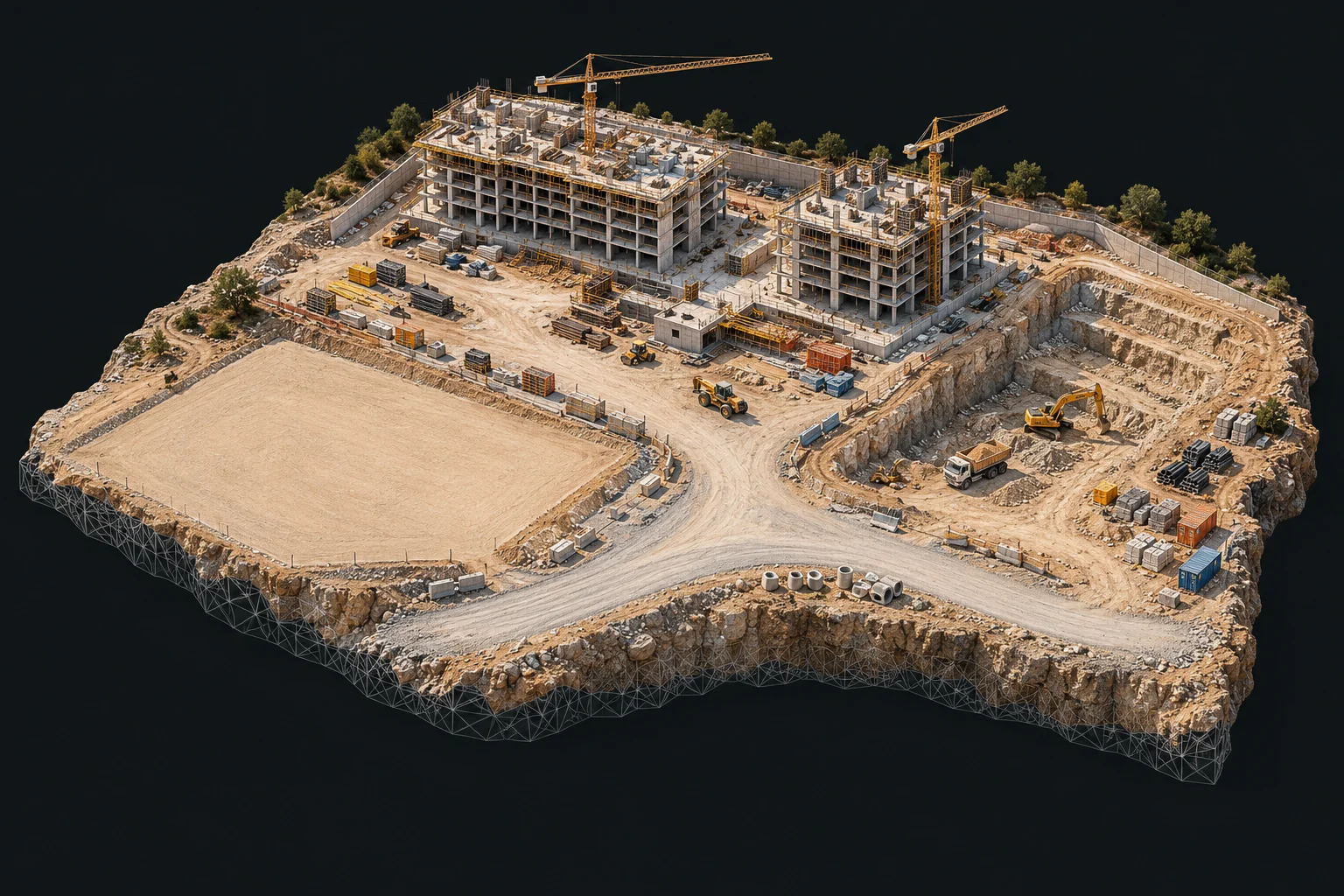
Generate contours. Exclude identified building areas.
Contours generated ✓Calculate a volume directly on the site model.
Browser-based calculation m³Import GPS point files. Export points for the next step.
Point file added ✓Choose a feature to see it in action. Illustrative previews of the client workspace.
Select a feature above to explore what clients can do with your 3D data. Choose any feature to pause the sequence and take a closer look.
Your work deserves more than another file transfer. Give clients a place to return to — with your identity, their projects and practical tools to work with the data.
Your background, logo and colours — on your own domain. Make the first login feel like your company.
Illustrative project archive
Keep each site's captures together, in date order. No searching through separate deliveries.
Open in your browserClients draw, explore and measure in their browser. No additional viewer or plugin.
Start with the 3D Tiles data you already produce. Nabriq brings publishing, organisation and client access together.
Publish supported Agisoft or iTwin exports. Your tileset is detected automatically.
AGISOFT · ITWIN · 3D TILESOrganise models by project and keep successive captures in date order.
ONE SITE · A CLEAR HISTORYBring your client's team into the workspace. Choose who can view, measure or download.
YOUR PORTAL · YOUR PERMISSIONSHelp clients find answers, add context and work together around the same site.
ANOTHER PERSPECTIVE, IN A FEW CLICKSMeasure lengths, areas, heights and slopes directly on the model. Calculate simple volumes and inspect a cross-section wherever you need it.
Place objects on the model. Import and export point files to connect the workspace with the next step in your project.
Manage who can see each layer on the model. Keep a layer visible only to you, share it with your team, or make it visible to a specific user — directly from layer management.
Model permissions stay in your hands: decide who can view, measure and download.
Draw vector geometry directly on your 3D Tiles model, then export your drawing as DXF. Connect the site you captured with the work that comes next.
Illustrative drawing workflowContinue drawing work in CAD.
Take point data into your workflow.
Keep or share a drawing sheet.
Local access when permitted.
Enter a field GPS reading and select the corresponding point on the model to see the difference between them. Import your field GPS point file to place surveyed points on the model.
Generate contour lines from the model. Identify buildings so lines are not generated within those areas, giving you control over where the contours are produced.
Choose the background your clients see, add your logo and colours, and use your own domain. Make every visit feel like a direct connection to your company.
Make it your branded portalIllustrative portal and example custom domain
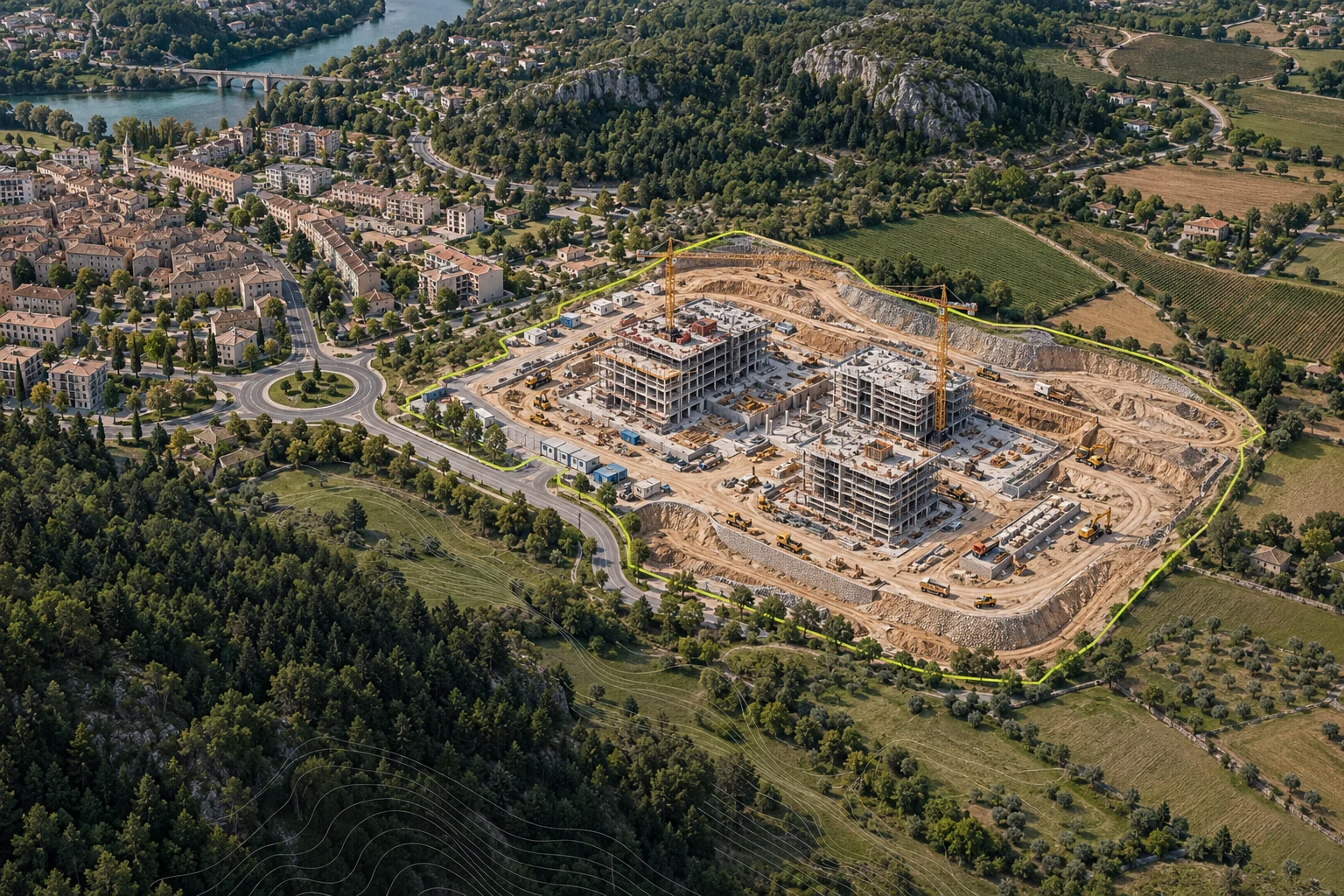
Bring basemap context beneath your 3D model. Help clients understand how the surveyed site relates to the surrounding roads, landscape and built environment.
Use Esri data as a basemap beneath your model to bring the wider setting into view.
Drone survey and photogrammetry companies that produce 3D site models and want to offer clients a branded place to view, measure and work with their data.
No additional 3D viewing software or browser plugin is needed. Clients use an internet connection and a compatible web browser to access the models you make available to them.
Nabriq publishes supported Agisoft and iTwin 3D Tiles exports, with automatic tileset detection. Your exported model is the starting point; Nabriq provides the publishing and client workspace.
Yes. Create vector drawings directly on the 3D Tiles model and export the drawing as DXF for use in your CAD workflow. You can also import field GPS point files and compare a field reading with a corresponding point selected on the model.
Vector drawings can be exported as DXF or PDF, and created points as TXT. Clients can also download model data to their local computer when the producer permits downloads.
Yes. You can set the login background, add your logo and colours, and use your own domain for the client portal.
Yes. Esri data can be used as a basemap beneath your model to show the surrounding context.
Yes. The producer controls who can view models, use measurement tools and download model data. Layer visibility can be set separately in layer management: only you, your team, or a specific user.
Choose your package, set up your branded portal,
and start publishing your 3D models.
Explore packages. Pricing details will be added soon.
info@nabriq.com